
Finding a capable gaming monitor with a high refresh rate and responsive panel often feels out of reach when your budget is firmly capped. The market is flooded with models that skimp on motion clarity or color accuracy to hit a low price, forcing buyers to compromise on the very features that define a great gaming experience. You need a display that delivers smooth, tear-free gameplay without breaking the bank or sacrificing essential specs.
I’m Mohammad Maruf — the founder and writer behind Drink4Good. I have spent countless hours combing through technical data sheets, cross-referencing real user experiences, and analyzing performance metrics to separate the actual gaming monitors from the misleading office displays dressed up for the task.
This guide focuses on seven models that genuinely deliver 1080p performance with refresh rates of at least 144Hz and response times of 1ms or better. Each recommendation is a verified contender for the title of the best gaming monitor under $100, rigorously assessed for motion handling, color reproduction, and real-world build quality.
How To Choose The Best Gaming Monitor Under $100
In the sub-$100 category, every dollar counts, and marketing claims often outpace real performance. To make a smart purchase, you need to focus on a few critical specifications that directly impact your gaming experience, rather than getting distracted by flashy features you won’t use at this price point.
Refresh Rate & Response Time: The Core of Motion Clarity
A 60Hz monitor will feel sluggish once you’ve experienced 144Hz or higher. For competitive gaming, a refresh rate of at least 144Hz is non-negotiable. Response time, measured in milliseconds (ms), dictates how quickly a pixel changes color. Look for a 1ms MPRT (Moving Picture Response Time) or 1ms GtG (Gray to Gray) rating. A lower number means less ghosting and a sharper image during fast-paced action.
Panel Technology: IPS vs. VA vs. TN
IPS (In-Plane Switching) panels offer the best color accuracy and viewing angles, making them ideal for most gamers. VA panels provide superior contrast ratios with deeper blacks, which can help in dark game scenes, but they often have slower response times. TN (Twisted Nematic) panels are the fastest in terms of raw response but suffer from poor colors and narrow viewing angles. For under $100, a good IPS panel is the most versatile choice.
Adaptive Sync: FreeSync vs. G-Sync Compatibility
AMD FreeSync is the most common adaptive sync technology at this price point. It synchronizes the monitor’s refresh rate with your graphics card’s frame output to eliminate screen tearing and stuttering. Check if the monitor is “G-Sync Compatible” if you have an Nvidia graphics card, as some budget FreeSync monitors can also work with Nvidia GPUs via DisplayPort.
Connectivity: DisplayPort vs. HDMI
To achieve the full refresh rate of your monitor (like 165Hz or 200Hz), you almost always need a DisplayPort (DP) connection. Many budget monitors come with older HDMI 1.4 ports that are capped at 120Hz or 144Hz. Always ensure the monitor has at least one DisplayPort input for maximum performance, and verify that your PC or laptop has a corresponding output.
Quick Comparison
On smaller screens, swipe sideways to see the full table.
| Model | Category | Best For | Key Spec | Amazon |
|---|---|---|---|---|
| MSI MAG 242F | Premium IPS | Competitive Esports | 200Hz / 0.5ms GtG Rapid IPS | Amazon |
| ASUS TUF Gaming VG249QE5A | Premium IPS | Extreme Low Motion Blur | 146Hz OC / ELMB Sync / IPS | Amazon |
| SANSUI ES-G24F4L | Value VA | High Contrast & Speed | 200Hz / 1ms MPRT / 4000:1 Contrast | Amazon |
| AOC 24G51F | Mid-Range IPS | Color Accuracy & Gaming | 144Hz / 1ms MPRT / 116% sRGB IPS | Amazon |
| Acer Nitro KG241Y | Mid-Range IPS | Budget 144Hz Gaming | 144Hz / 1ms VRB / sRGB 99% IPS | Amazon |
| Amazon Basics 24 Inch Gaming Monitor | Value Pick | High Refresh on a Budget | 165Hz / 1ms / Adaptive Sync IPS | Amazon |
| Dell SE2426H | Entry-Level IPS | Eye Comfort & Productivity | 144Hz / 1ms MPRT / TÜV 3-Star IPS | Amazon |
In‑Depth Reviews
1. MSI MAG 242F
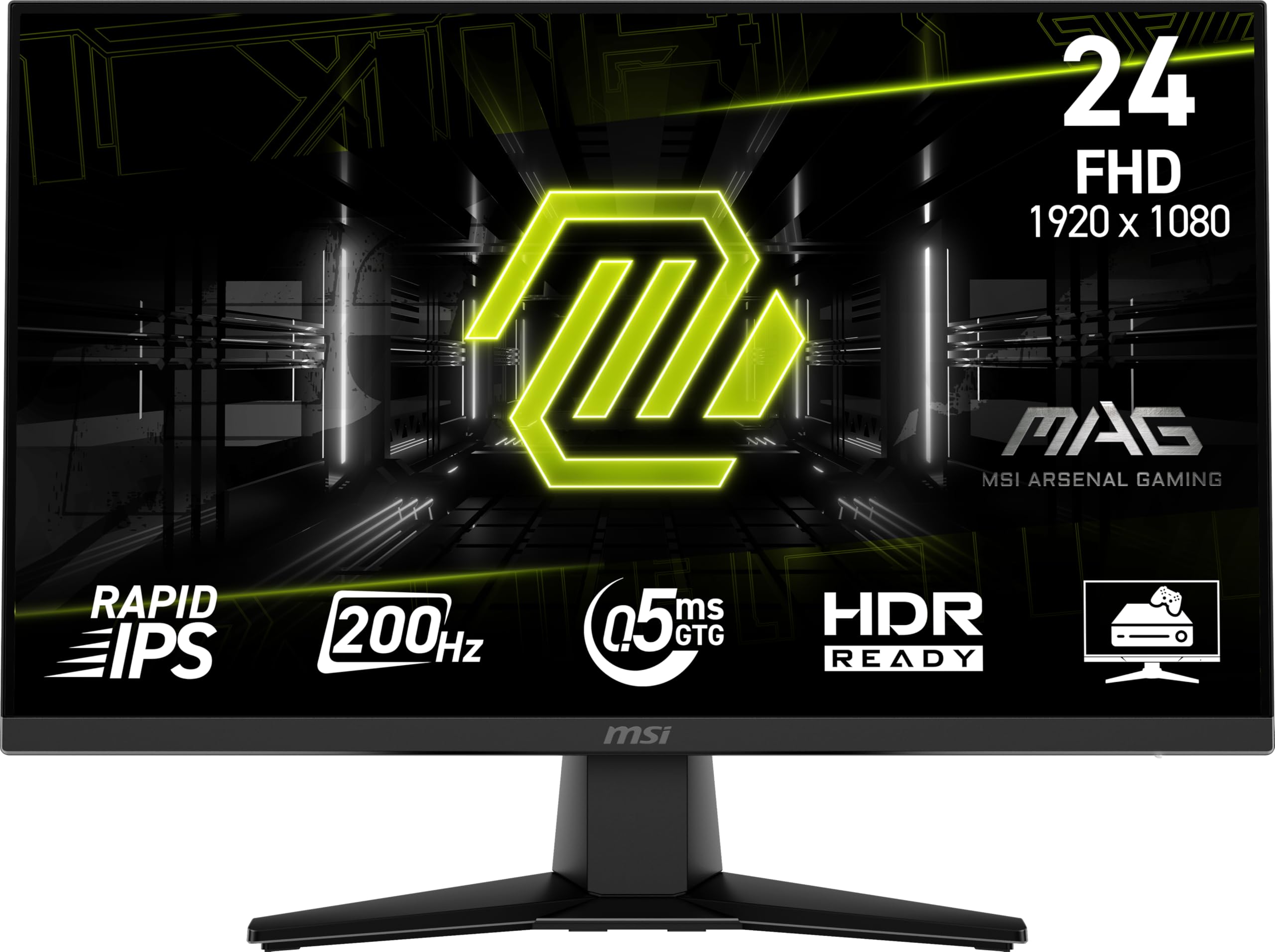
The MSI MAG 242F sets the benchmark for what a budget gaming monitor should be. Its Rapid IPS panel is the star, delivering a staggering 200Hz refresh rate and a 0.5ms GtG response time that is typically found on much more expensive displays. This combination makes motion incredibly fluid, giving you a tangible advantage in fast-paced esports titles like Valorant and Overwatch 2.
Beyond raw speed, the panel offers solid color saturation and contrast for an IPS display. The inclusion of AMD FreeSync Premium ensures tear-free gameplay across a wide variable refresh rate range, and features like AI Vision help brighten dark scenes without washing out the entire image. The 86% color gamut coverage is respectable for this price point, and the built-in speakers are a welcome bonus.
The primary trade-off is the build quality of the stand, which some users find a bit wobbly for the price, but the monitor itself is solid. The height-adjustable stand is a rare and valuable feature at this price, allowing for ergonomic setup without an aftermarket arm. For pure competitive gaming performance at a sub-$100 price, the MSI MAG 242F is the undisputed champion.
Why it’s great
- Blazing 200Hz refresh rate with 0.5ms GtG response time
- Rapid IPS panel offers excellent colors and viewing angles
- Includes AMD FreeSync Premium and height-adjustable stand
Good to know
- The included stand feels a bit cheap compared to the monitor’s performance
- Color gamut is decent but not class-leading at 86%
2. ASUS TUF Gaming VG249QE5A

ASUS brings its TUF Gaming pedigree to the sub-$100 space with the VG249QE5A, a monitor that prioritizes absolute motion clarity. Its headline feature is Extreme Low Motion Blur Sync (ELMB Sync), a backlight strobing technology that works in tandem with variable refresh rates to virtually eliminate ghosting and tearing simultaneously. The 144Hz panel can also be overclocked to 146Hz for an extra edge.
The 23.8-inch IPS display offers vibrant colors and a wide 125% sRGB color gamut, making games and media look punchy and detailed. Shadow Boost is a practical feature for competitive shooters, intelligently brightening dark corners without overexposing the whole scene. The DisplayWidget Center software allows for quick settings adjustments with a mouse, adding a layer of convenience that many competitors lack.
The main drawback is the lack of height adjustment on the stand, a common complaint that limits ergonomic flexibility. Additionally, some users have reported that certain menu options like volume control are grayed out, depending on the input source. If you value raw motion clarity and color vibrancy over an adjustable stand, this ASUS model is a top-tier contender.
Why it’s great
- ELMB Sync eliminates ghosting while keeping VRR active
- Excellent 125% sRGB color gamut for vibrant visuals
- Useful Shadow Boost and DisplayWidget Center software
Good to know
- Stand is not height adjustable
- Some menu settings may be inaccessible depending on connection
3. SANSUI ES-G24F4L
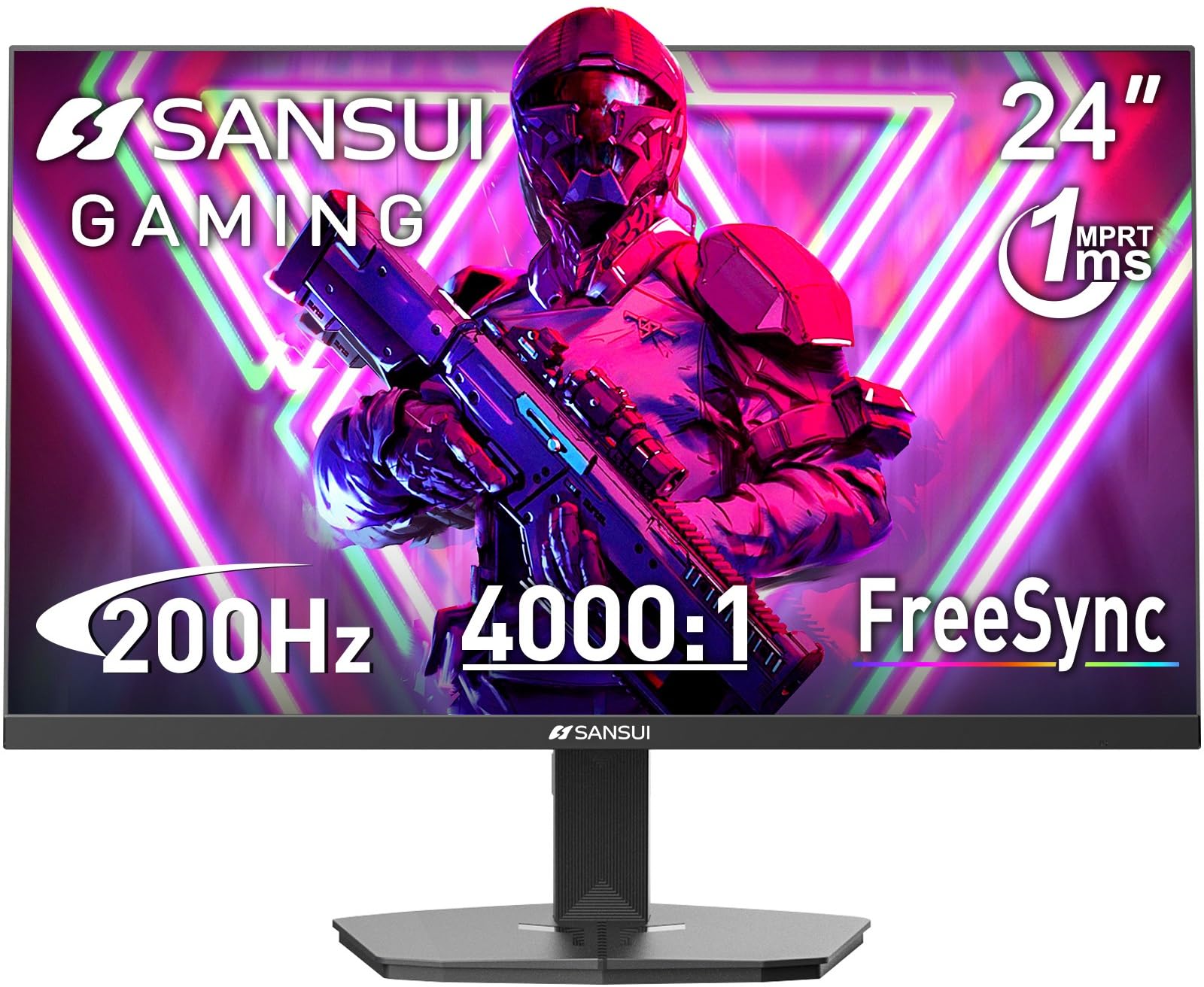
The SANSUI ES-G24F4L is a bit of a dark horse in this lineup. As a 200Hz monitor with a 1ms MPRT response time and FreeSync support, it competes directly with the MSI on raw speed. What sets it apart is its VA panel, which boasts an impressive 4000:1 contrast ratio. This results in significantly deeper blacks and a more immersive image in dark game environments than any IPS monitor can deliver.
Its 110% sRGB color gamut is respectable, and the 300-nit brightness provides a solid HDR experience, even if it’s only entry-level. The monitor includes practical gaming features like a crosshair overlay, timer, and black level adjustment, which are useful for competitive play. An included HDMI cable and a cable management system add to the overall value proposition.
The main compromise with a VA panel is that viewing angles are narrower than IPS, and there can be some black-level smearing in very dark transitions. This is not an issue for most gaming scenarios, but it’s a technical limitation to be aware of. If you prioritize deep blacks and high contrast for single-player titles but still want a 200Hz refresh rate, the SANSUI is a fantastic choice.
Why it’s great
- Excellent 4000:1 VA contrast ratio for deep blacks
- Fast 200Hz refresh rate with 1ms MPRT response
- Includes useful in-game features like crosshair and timer
Good to know
- VA panel has narrower viewing angles than IPS
- Possible black-level smearing in some dark scenes
4. AOC 24G51F
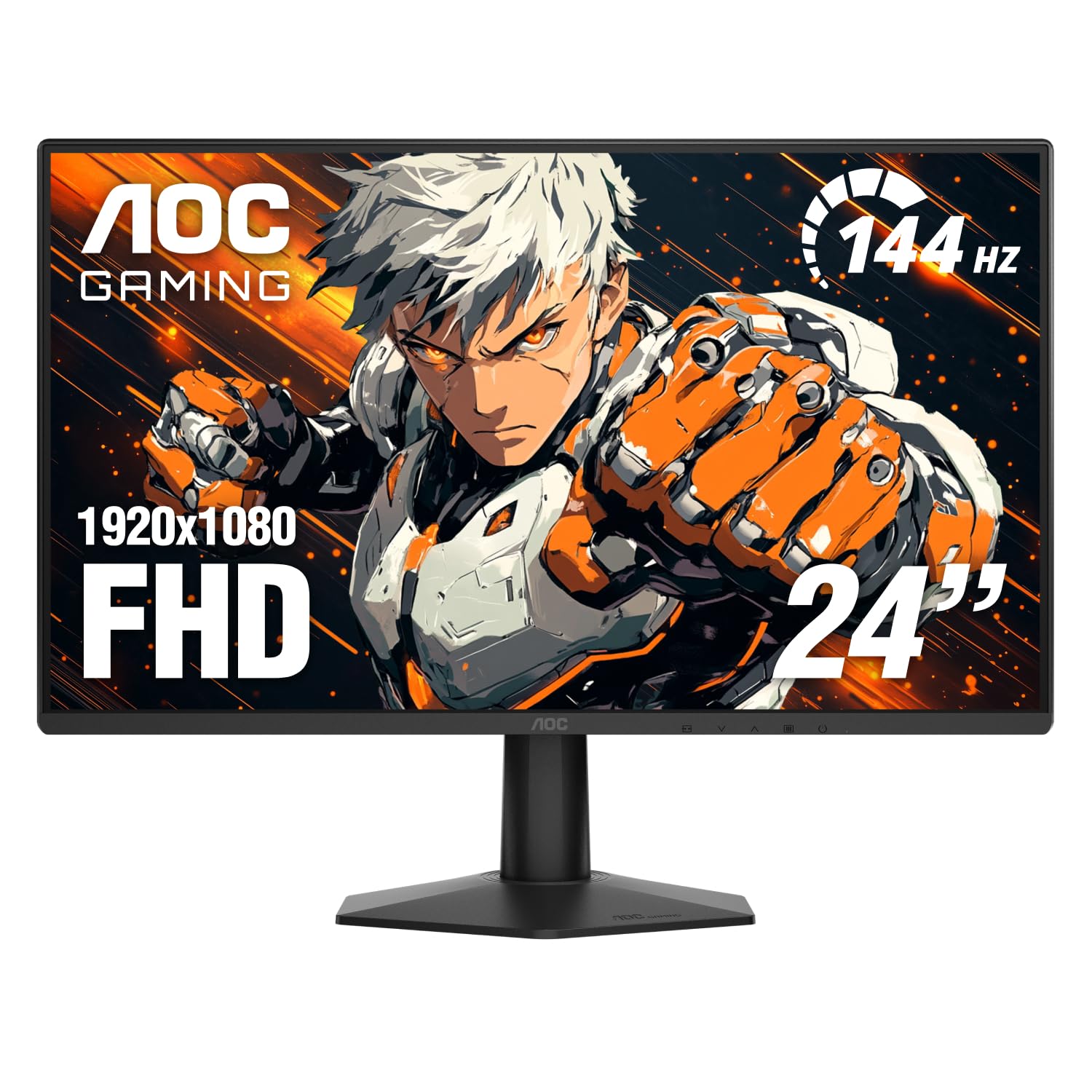
The AOC 24G51F is a masterclass in delivering a premium experience at an entry-level price. It features a 24-inch IPS panel with a 144Hz refresh rate and a 1ms MPRT response time, which is more than sufficient for smooth, competitive gameplay. What truly makes it shine is the factory-calibrated 116% sRGB color gamut, providing some of the most vibrant and accurate colors you will find in this price tier, making it great for both gaming and creative work.
The 3-sided frameless design is perfect for multi-monitor setups, reducing bezel distraction and creating a more immersive view. It is HDR ready and includes Adaptive-Sync for tear-free gaming. The monitor is specifically designed for console gaming with low input lag, supporting up to 120Hz over HDMI for the latest consoles.
It is worth noting that to use G-Sync fully, you will likely need a DisplayPort connection, as HDMI implementation may not support it. The stand is basic and lacks height adjustment, a common cost-saving measure at this price. If color fidelity and a clean multi-monitor setup are your priorities, the AOC 24G51F offers unbeatable value.
Why it’s great
- Outstanding 116% sRGB color gamut for vibrant colors
- 3-sided frameless design perfect for multi-screen setups
- Console-friendly with low input lag and 120Hz support
Good to know
- G-Sync may only work over DisplayPort, not HDMI
- Stand is basic with no height or swivel adjustment
5. Acer Nitro KG241Y
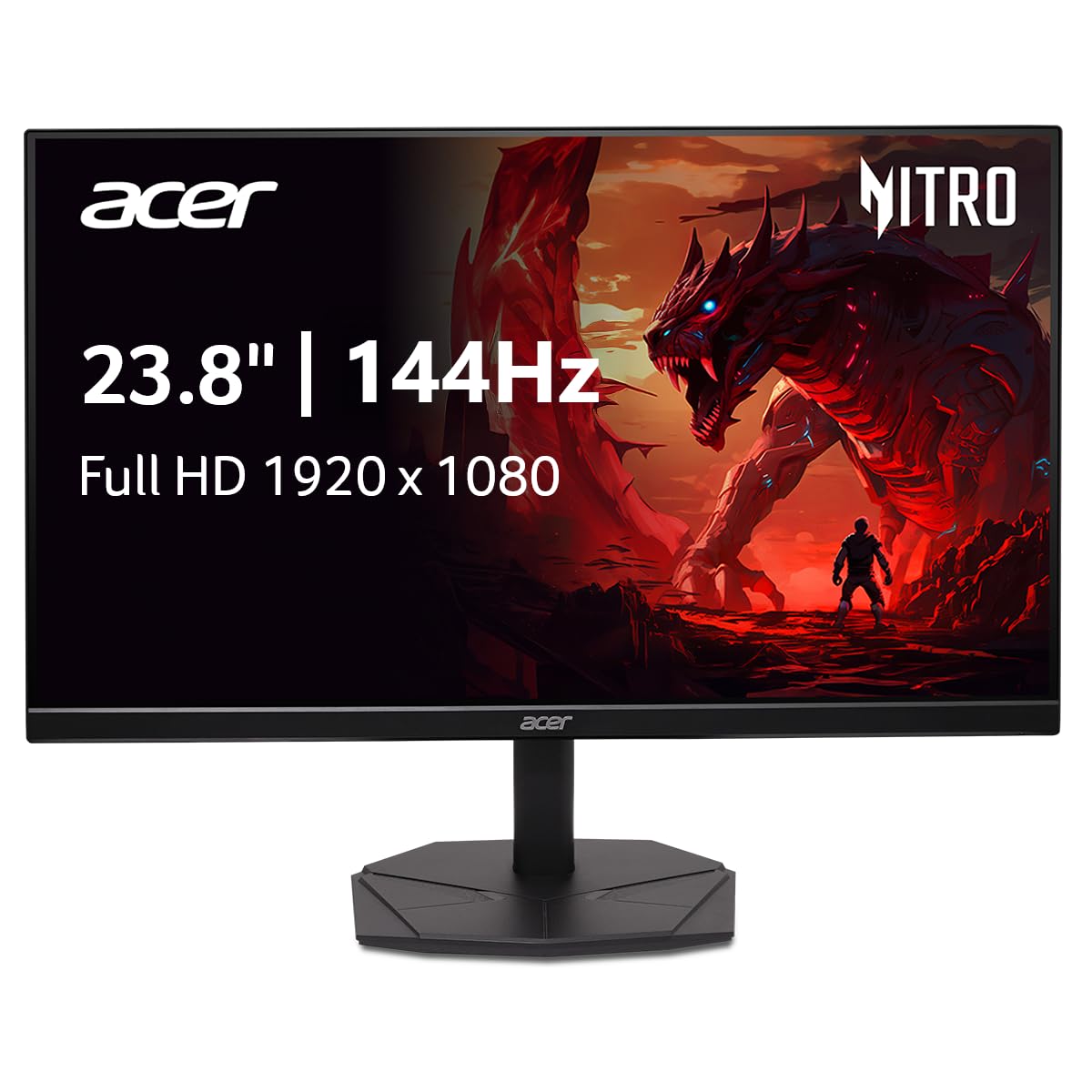
The Acer Nitro KG241Y is a solid, no-nonsense gaming monitor that delivers exactly what is advertised. Its 23.8-inch IPS panel runs at 144Hz with a 1ms VRB (Visual Response Boost) mode, offering a smooth and responsive gaming experience. The sRGB 99% color gamut ensures colors are accurate and look great out of the box, making it suitable for gaming as well as photo editing or design work.
The ZeroFrame design makes the screen feel larger than it is, and the AMD FreeSync technology effectively eliminates screen tearing. The build is straightforward, with a simple, compact stand that won’t take up too much desk space, which is a huge plus for dual-monitor setups. It includes both HDMI and DisplayPort inputs for versatile connectivity.
The biggest controversy with this model is a design oversight that has confused some buyers. A few units lack a physical 3.5mm audio jack, despite the menu referencing one, meaning you may need to route audio through your computer. The picture quality is generally good, though some users have reported a slight warping effect. If you get a good unit, it is a high-quality entry-level monitor, but it is a bit of a gamble.
Why it’s great
- Accurate 99% sRGB IPS panel for great color reproduction
- Compact stand ideal for limited desk space and multi-monitor
- Offers both HDMI and DisplayPort inputs
Good to know
- Some units may lack a functional audio jack
- Occasional reports of warp in the picture quality
6. Amazon Basics 24 Inch Gaming Monitor
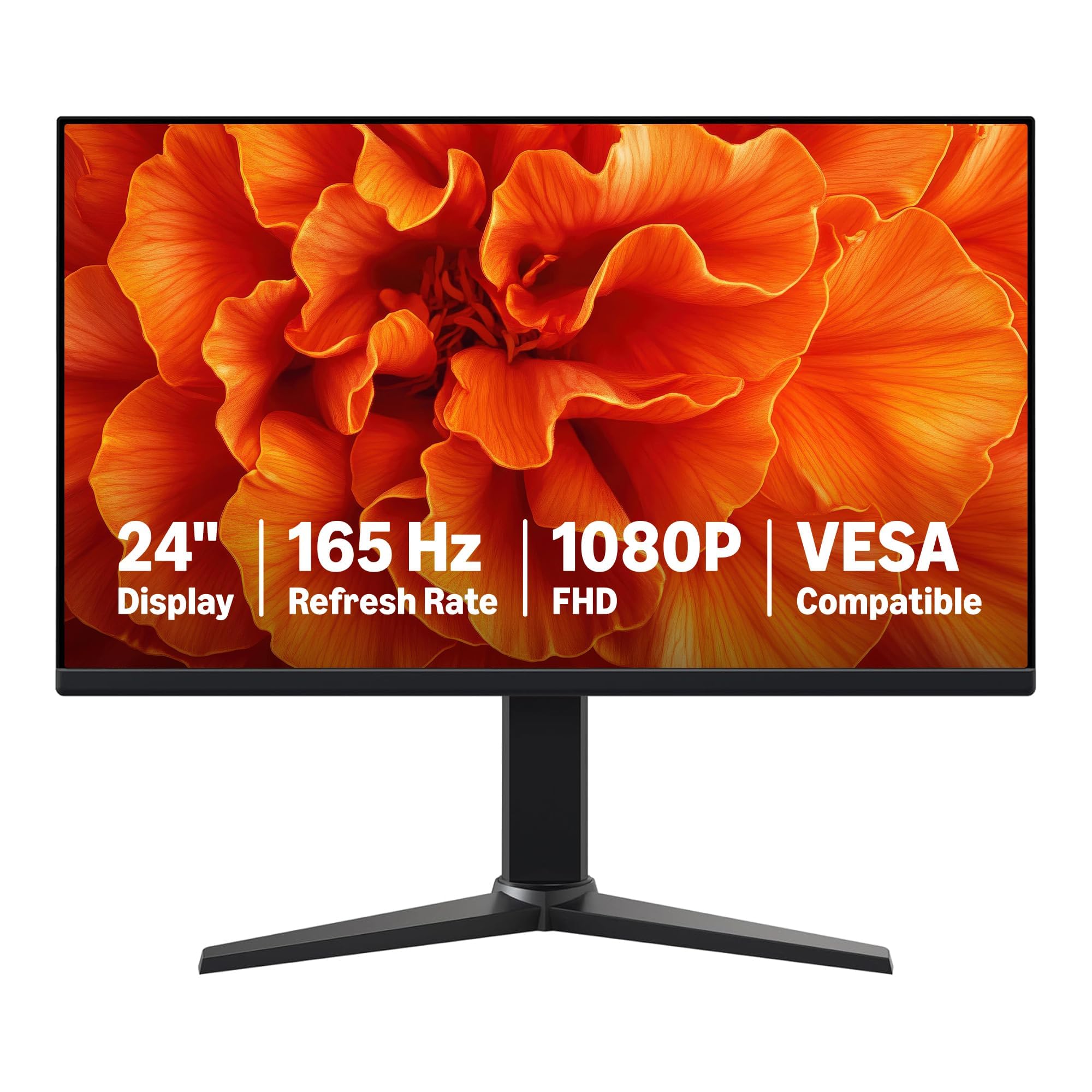
The Amazon Basics 24 Inch Gaming Monitor is perhaps the ultimate expression of value in this list. It is a no-frills IPS display that targets the core of what a gamer needs: a high refresh rate. With a 165Hz refresh rate, it actually surpasses many more expensive 144Hz models. The 1ms response time and Adaptive Sync support ensure a fluid, tear-free experience across a wide range of games.
The monitor is incredibly easy to set up with plug-and-play functionality. Its IPS panel provides clear, crisp 1080p visuals that are comfortable for long gaming sessions. It is fully VESA compatible, making it easy to mount on a monitor arm to save desk space. The design is clean and utilitarian, focusing on performance over aesthetics.
The major caveat is the built-in speakers, which are functional at best and lack any meaningful volume or clarity. Additionally, to achieve the full 165Hz, you must use a DisplayPort 1.4 connection; an HDMI 2.0 cable is also required. The colors are decent for the price but not as vibrant as the AOC or ASUS offerings. If all you need is a fast, reliable screen for gaming without any extra fluff, this is the absolute best value.
Why it’s great
- Exceptional 165Hz refresh rate for under $100
- True plug-and-play simplicity and easy VESA mounting
- IPS panel delivers clear and crisp 1080p visuals
Good to know
- Built-in speakers are very low quality
- Requires DisplayPort 1.4 to achieve full 165Hz
7. Dell SE2426H
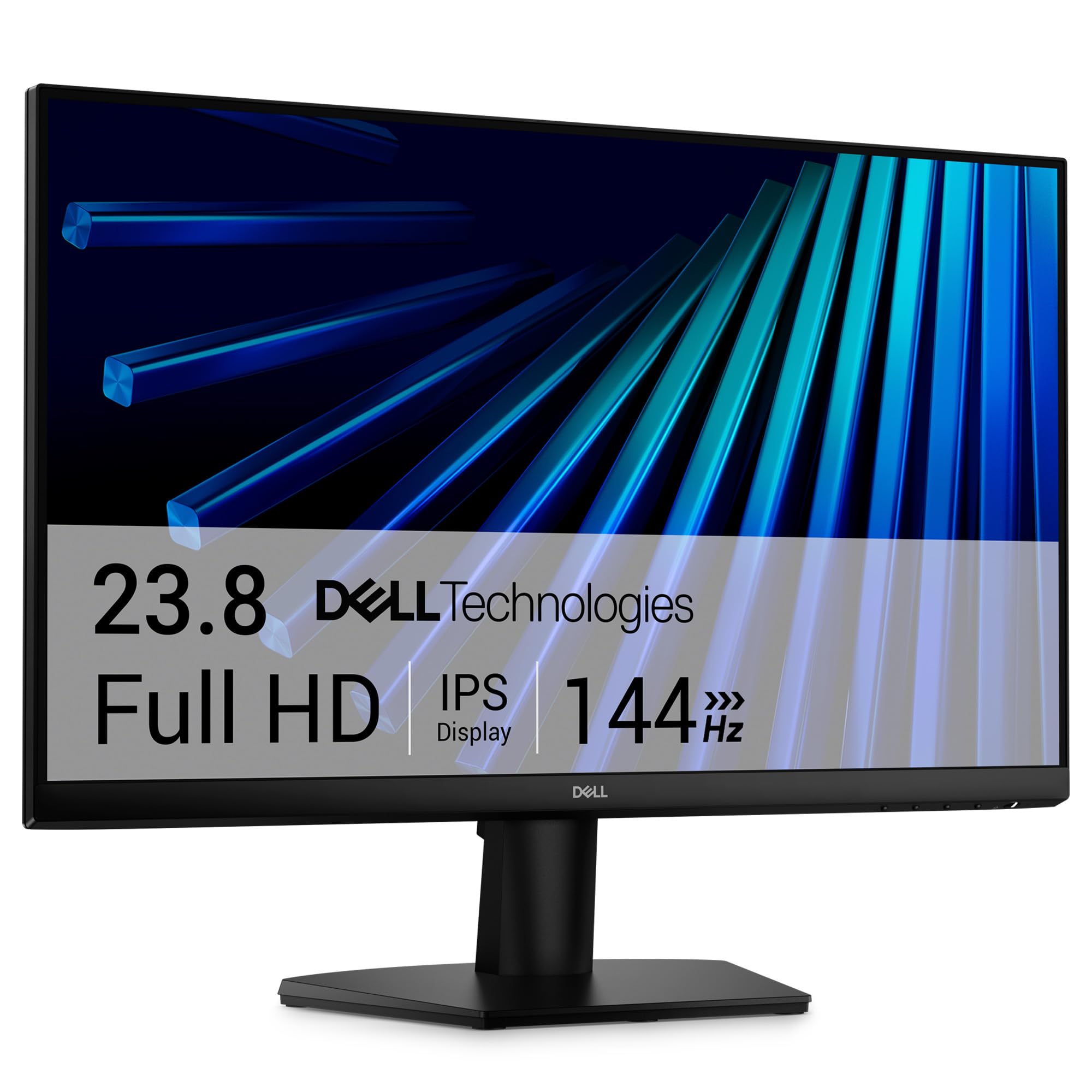
The Dell SE2426H is an entry-level gaming monitor that emphasizes eye comfort alongside gaming performance. It features a 144Hz refresh rate and a 1ms MPRT response time, providing smooth and clear motion. The 23.8-inch IPS panel delivers solid color accuracy and excellent wide viewing angles (178/178 degrees), making it a good choice for shared viewing or a mixed-use environment.
Its standout feature is the TÜV Rheinland 3-star certification, which means it effectively reduces harmful blue light emissions without compromising color accuracy. The thin bezels are modern and help in a multi-monitor setup, though it lacks the 3-sided frameless design of the AOC. It includes dual HDMI ports, which is convenient for users who switch between a PC and a console, but it misses a DisplayPort input.
The lack of a DisplayPort is the biggest limitation, as it means you are capped at 144Hz over HDMI. For entry-level gaming and general use, this is perfectly adequate. The stand is fixed with just tilt adjustment. This monitor is best for a user who wants a reliable, high-quality Dell screen with good motion handling and superior eye care features, rather than the absolute highest frame rates.
Why it’s great
- TÜV 3-star certification for excellent eye comfort
- Dual HDMI ports for easy switching between devices
- Solid Dell build quality with good IPS color accuracy
Good to know
- Lacks DisplayPort, limiting maximum connection options
- Stand only offers tilt adjustment, no height or swivel
FAQ
Is a 144Hz monitor worth it for gaming?
Can I use a gaming monitor for work and productivity?
Will a 200Hz monitor work with a console like the PS5 or Xbox Series X?
Do I need a special cable for a 144Hz or 165Hz monitor?
What does “1ms MPRT” mean compared to “1ms GtG”?
Final Thoughts: The Verdict
For most users, the best gaming monitor under $100 winner is the MSI MAG 242F because it delivers exceptional performance with its 200Hz refresh rate and 0.5ms response time on a Rapid IPS panel, making it unmatched for competitive gaming at this price. If you want the deepest blacks and highest contrast for immersive single-player titles, grab the SANSUI ES-G24F4L. And for the most value-conscious buyer who wants a high refresh rate without any frills, nothing beats the Amazon Basics 24 Inch Gaming Monitor.