
Finding a monitor that delivers sharp QHD resolution, a high refresh rate, and low response time without a four-digit price tag is the central challenge for gamers upgrading their rig. The sweet spot sits at 27 to 34 inches, where resolution and screen real estate balance perfectly for competitive play and immersive single-player worlds.
I’m Mohammad Maruf — the founder and writer behind Drink4Good. I’ve spent years analyzing monitor specs, from panel types and refresh rate curves to adaptive sync implementation, to separate legitimate performance from marketing hype.
Every option in this roundup holds genuine value for its intended use case, helping you zero in on a gaming monitor under $400 that matches your GPU, space, and preferred game genres without compromise.
How To Choose The Best Gaming Monitor Under $400
Spending under $400 on a gaming monitor means you are firmly in the QHD high-refresh-rate zone. The challenge is balancing resolution, panel technology, and refresh rate to match your primary game genres and GPU horsepower. A wrong pick here can mean missing out on G-Sync compatibility or being stuck with a low-color-gamut panel that washes out your visuals.
Resolution and refresh rate balance
QHD (2560 x 1440) is the undisputed sweet spot for monitors in this budget range. It offers a dramatic sharpness upgrade over 1080p without the heavy GPU demand of 4K. Pair it with a refresh rate between 144Hz and 180Hz for a fluid experience that mid-range GPUs like the RTX 3060 Ti or RX 6700 XT can drive well. Going beyond 200Hz at QHD is possible here, but expect to need a higher-tier card to push those frames in modern titles.
Panel type and motion handling
IPS panels dominate this price bracket for their superior color accuracy and wider viewing angles. Fast IPS variants reduce response times to the 1ms range, matching older TN panels in motion clarity. VA panels offer deeper native contrast and richer blacks, making them excellent for dark-room gaming, but they can suffer from slower pixel response in dark transitions. Mini-LED, seen in the premium end of this bracket, provides local dimming for HDR performance that punches well above its price class.
Adaptive sync and connectivity
G-Sync Compatible certification or FreeSync Premium support is critical for eliminating screen tearing without introducing input lag. Check that your monitor’s included cables support its highest refresh rate — DisplayPort 1.4 is usually required for 1440p at 180Hz or above. HDMI 2.0 supports up to 144Hz at QHD, but hitting higher refresh rates will demand a DP connection. A monitor that forces you to buy a better cable out of the box adds hidden cost.
Quick Comparison
On smaller screens, swipe sideways to see the full table.
| Model | Category | Best For | Key Spec | Amazon |
|---|---|---|---|---|
| ASUS TUF Gaming VG27AQM5A | IPS Premium | Competitive esports at 300Hz | 300Hz / 0.3ms GTG | Amazon |
| KTC M27T6S | Mini-LED | HDR gaming and content creation | 200Hz / 1152 dimming zones | Amazon |
| Amzfast AMZG34C8 Pro | Ultrawide VA | Immersive ultrawide gaming | 240Hz / 3440×1440 | Amazon |
| LG 27GL83A-B | IPS Classic | All-round gaming and productivity | 144Hz / 99% sRGB | Amazon |
| ASUS TUF Gaming VG27AQ | IPS Workhorse | G-Sync compatible daily driver | 165Hz / 1ms MPRT | Amazon |
| Samsung Odyssey G5 G50F | Fast IPS | Large screen QHD gaming | 32″ / 180Hz IPS | Amazon |
| Alienware AW2725DM | IPS Pro | Premium build and 180Hz | 180Hz / 95% DCI-P3 | Amazon |
| Acer Nitro XZ320QU S3 | Curved Value | Curved QHD at a low entry point | 31.5″ / 180Hz Curved | Amazon |
| KOORUI 32 Curved | Budget Curve | Entry-level QHD curved immersion | 32″ / 170Hz Curved | Amazon |
In‑Depth Reviews
1. ASUS TUF Gaming VG27AQM5A

This ASUS TUF Gaming monitor brings a 300Hz refresh rate and a 0.3ms GTG response time to the QHD table, a combination usually reserved for far higher price brackets. The Fast IPS panel delivers excellent color coverage at 95% DCI-P3, and the Extreme Low Motion Blur Sync eliminates ghosting and tearing simultaneously when engaged. For competitive shooters or high-frame-rate racing games, this is the smoothest experience you will find at the premium end of the under $400 zone.
Build quality is solid, with a fully ergonomic stand that offers height, tilt, swivel, and pivot adjustments. Connectivity includes DisplayPort 1.4, dual HDMI, and USB ports, plus a DisplayWidget Center for mouse-driven settings changes. The built-in Shadow Boost lifts dark areas without blowing out highlights, a useful feature for spotting enemies in shadowy corners.
The speakers are weak, typical for gaming monitors, and HDR performance is decent but not transformative. For pure gaming motion fidelity at 1440p, however, this monitor sets a high bar in its class.
Why it’s great
- Industry-leading 300Hz refresh rate at QHD.
- 0.3ms response time for zero perceptible motion blur.
- ELMB Sync works alongside Adaptive Sync for tear-free clarity.
Good to know
- Built-in speakers are underpowered.
- HDR brightness is moderate, not true high dynamic range.
2. KTC M27T6S
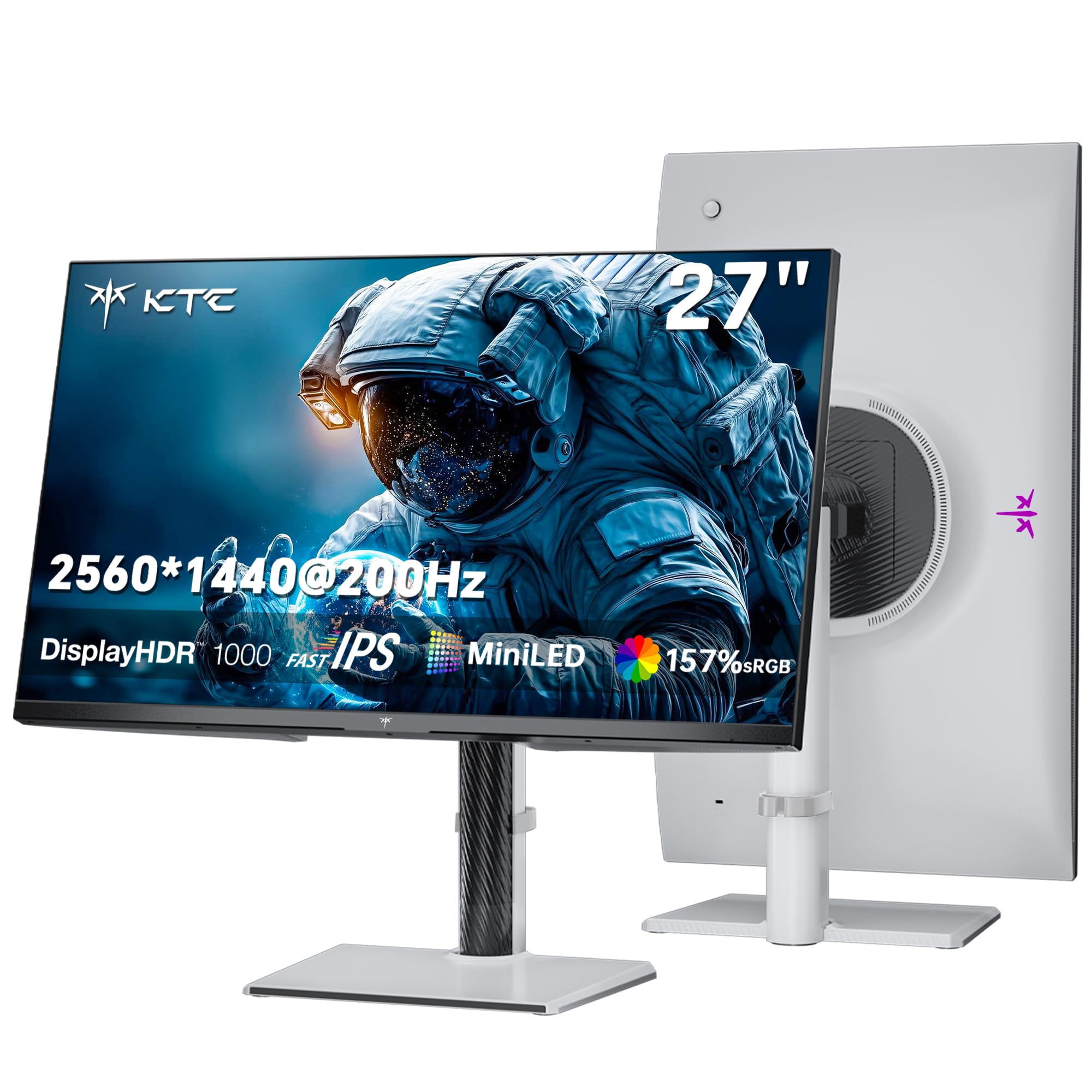
The KTC M27T6S is the only Mini-LED option in this roundup, packing 1152 local dimming zones into a 27-inch QHD Fast IPS panel. Peak brightness hits 1000 nits, earning HDR 1000 certification, which creates genuine specular highlights and deep black levels that standard IPS panels cannot match. The 200Hz refresh rate (overclockable to 210Hz) keeps motion fluid, while the 1ms MPRT response time handles fast-paced action without ghosting.
Color performance is exceptional, covering 157% sRGB area and 1.07 billion colors, making this monitor equally suited for graphics work and gaming. The ergonomic stand supports tilt, swivel, pivot, and height adjustment, and VESA 100x100mm compatibility allows for easy arm mounting. Connectivity includes DP 1.4 and HDMI 2.0 ports, sufficient for hitting the full refresh rate at QHD.
The plastic build feels less premium than metal-framed competitors, and some units report a slow wake-from-sleep time. At this price, the HDR performance and local dimming density are unmatched.
Why it’s great
- 1152-zone Mini-LED delivers true HDR with high brightness.
- Wide color gamut (157% sRGB) for vivid visuals.
- Full ergonomic stand with height, pivot, and swivel.
Good to know
- Plastic chassis feels less robust.
- Slow wake from sleep noted by some users.
3. Amzfast AMZG34C8 Pro
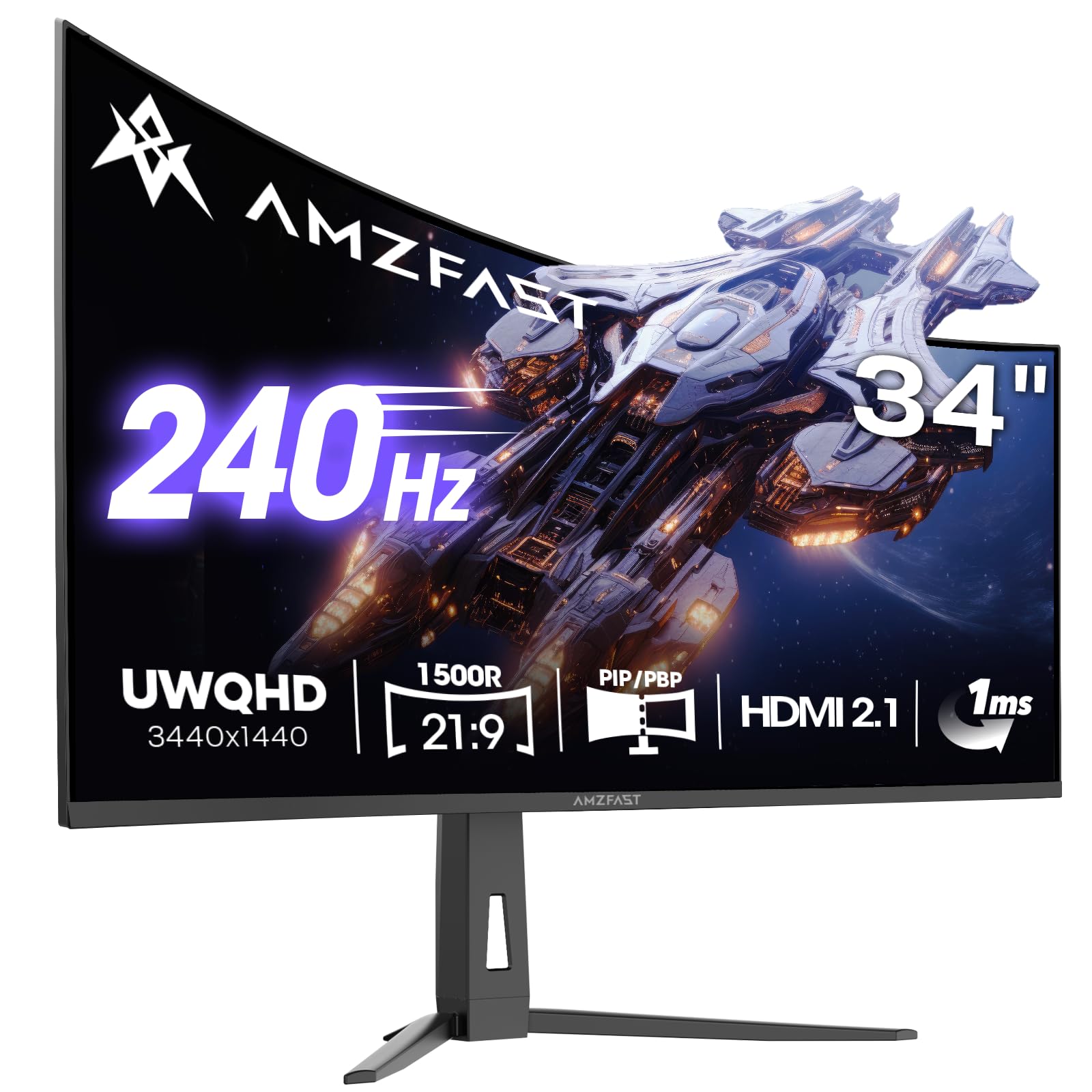
The Amzfast 34-inch ultrawide pushes the boundaries of what under $400 can buy, offering a 3440×1440 UWQHD resolution at 240Hz with a 1500R curvature. The VA panel delivers a native 3000:1 contrast ratio, producing deep blacks that make dark scenes in games and movies feel much more immersive than any IPS alternative. Adaptive Sync with G-Sync and FreeSync compatibility keeps tearing at bay across the wide 21:9 aspect ratio.
Port selection is generous, featuring dual HDMI 2.1 and dual DP 1.4 ports, allowing full 240Hz throughput on either connection type. The stand is height-adjustable with tilt and swivel, and the included AI crosshair and sniper scope features add convenience for competitive play. PIP and PBP modes let you run two signal sources side by side on the wide canvas.
The stand’s tilt mechanism can feel insecure, with some units tilting backward unintentionally. For immersive racing, flight sims, and open-world titles, the extra horizontal space is transformative.
Why it’s great
- Ultrawide 3440×1440 at 240Hz for deep immersion.
- 3000:1 VA contrast ratio for excellent black levels.
- Dual HDMI 2.1 supports full refresh rate on consoles.
Good to know
- Stand tilt mechanism can be unstable.
- VA panel may show dark-level smearing in fast transitions.
4. LG 27GL83A-B

The LG 27GL83A-B is a legend in the QHD gaming space for good reason. It uses a 27-inch IPS panel with 144Hz refresh rate, 1ms GTG response time, and 99% sRGB color accuracy that remains consistent across wide viewing angles. G-Sync Compatible certification ensures smooth, tear-free gameplay when paired with NVIDIA cards, and FreeSync Premium covers AMD users equally well.
The stand is ergonomic with height, tilt, swivel, and pivot adjustments, and the 3-side borderless design looks clean in any setup. The OnScreen Control software makes brightness, volume, and gaming profile adjustments without reaching for physical buttons. Connectivity includes DisplayPort and HDMI, covering the essentials for PC and console use.
Its contrast ratio is specified at 700:1, which is low even for IPS, leading to grayish blacks in dark scenes. The HDR10 support is minimal and best left off. For a reliable, color-accurate 1440p gaming workhorse, this remains a top pick.
Why it’s great
- Excellent sRGB color accuracy out of the box.
- G-Sync Compatible and FreeSync Premium certified.
- Full ergonomic stand with pivot and height adjustment.
Good to know
- Low native contrast ratio for an IPS panel.
- HDR support is underwhelming for cinematic use.
5. ASUS TUF Gaming VG27AQ

The ASUS TUF Gaming VG27AQ is a well-balanced 27-inch QHD IPS monitor that overclocks to 165Hz and offers a 1ms MPRT response time. Its Extreme Low Motion Blur technology can run simultaneously with Adaptive Sync, a rarity at this price, which practically eliminates ghosting and tearing during fast camera pans. The G-Sync Compatible certification is a strong selling point for NVIDIA GPU owners.
Shadow Boost lifts dark areas without washing out brighter zones, giving a competitive edge in horror games or dimly lit maps. The ergonomic stand is fully adjustable, and connectivity includes DisplayPort 1.2 and HDMI 2.0. The 3-year warranty and bundled Adobe Creative Cloud access add long-term peace of mind.
The built-in 2W speakers are weak, and the external power brick adds cable clutter. For a mid-range price, it delivers polished motion handling and reliable G-Sync performance.
Why it’s great
- ELMB Sync works with Adaptive Sync for tear-free motion.
- G-Sync Compatible and well-tested for NVIDIA GPUs.
- Fully adjustable stand with height, tilt, swivel, pivot.
Good to know
- External power supply adds desk clutter.
- Speakers are underpowered for gaming audio.
6. Samsung Odyssey G5 G50F

The Samsung Odyssey G5 G50F stands out with a 32-inch Fast IPS panel that delivers QHD resolution at 180Hz with a 1ms GTG response time. The larger screen size provides a more immersive viewport without the pixel density penalty of a 1080p panel, and the 178-degree viewing angle keeps color consistent even from off-center positions. G-Sync Compatible and FreeSync support ensure smooth frame delivery.
HDR10 support adds some dynamic range, and the Black Equalizer function improves shadow visibility in competitive shooters. The ergonomic stand offers height, tilt, swivel, and pivot adjustments, and the Auto Source Switch+ simplifies switching between connected devices. Connectivity is adequate with one HDMI 2.0 and one DisplayPort 1.2.
The monitor has only one HDMI port, limiting multi-console setups. Some users report the on-screen menu joystick on the back panel is hard to reach. For its combination of size, resolution, and speed, the Odyssey G5 G50F is a strong large-format choice.
Why it’s great
- 32-inch IPS panel with excellent viewing angles and speed.
- 180Hz refresh rate with 1ms GTG for fluid motion.
- Fully adjustable stand with height and pivot.
Good to know
- Only one HDMI port limits multi-console setups.
- Menu joystick position on the back is awkward.
7. Alienware AW2725DM

The Alienware AW2725DM brings a premium industrial design and VESA DisplayHDR 400 certification to the 27-inch QHD IPS segment. The 180Hz refresh rate and 1ms GTG response time deliver smooth gameplay, while 95% DCI-P3 color coverage makes scenes vibrant and lifelike. NVIDIA G-Sync and AMD FreeSync compatibility cover both GPU ecosystems, and the hardware-based low blue light solution reduces eye fatigue during long sessions without a yellow tint.
Build quality is exceptional, with a sturdy, adjustable stand that offers height, tilt, swivel, and pivot. The anti-glare screen coating minimizes reflections in brightly lit rooms. Connectivity includes DisplayPort 1.4, HDMI, and USB Type-A ports, with cables included for all major connections.
It lacks built-in speakers and a headphone jack, so audio must route through your PC or console. The 144Hz limit on HDMI means hitting the full 180Hz requires DisplayPort. For a sharp-looking, well-built monitor with HDR certification, this is a top contender.
Why it’s great
- VESA DisplayHDR 400 delivers better HDR than most at this price.
- Premium build with anti-glare coating and full ergonomic stand.
- 95% DCI-P3 coverage for vibrant color reproduction.
Good to know
- No built-in speakers or headphone jack.
- Full 180Hz only achievable via DisplayPort, not HDMI.
8. Acer Nitro XZ320QU S3
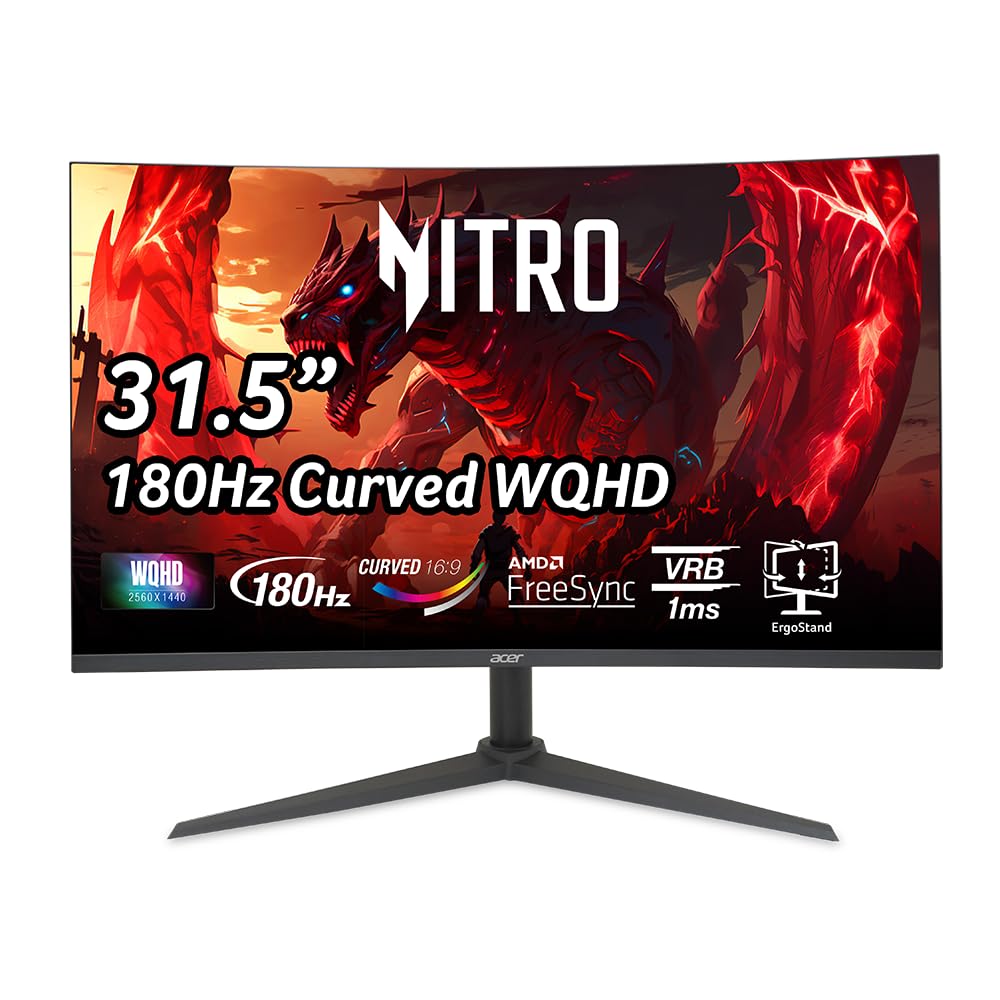
The Acer Nitro XZ320QU S3 offers a 31.5-inch WQHD 1500R VA panel at a competitive price point, with up to 180Hz refresh rate and 1ms VRB response time. The VA panel delivers a high 100,000,000:1 dynamic contrast ratio, producing deep blacks that enhance dark scenes in horror and cinematic games. AMD FreeSync keeps motion smooth, and the built-in 2W speakers provide basic audio output without external speakers.
The stand is height adjustable with a 3.94-inch range, plus tilt and swivel support, making it easy to dial in your viewing angle. The zero-frame design looks modern, and the display is VESA compatible for arm mounting. Connectivity includes DisplayPort 1.4 and two HDMI 2.0 ports, plus an audio-out jack.
Some units shipped with an underpowered DP 1.4 cable that caused flickering at 180Hz, requiring a DP 2.1 cable upgrade. The VA panel can exhibit some black-level smearing in very fast transitions. For its size and curve at a budget price, it remains a solid immersive option.
Why it’s great
- Large 31.5-inch 1500R curved display for deep immersion.
- 180Hz and 1ms VRB for smooth gaming motion.
- Height, tilt, and swivel adjustable stand included.
Good to know
- Included DP cable may cause flickering at max refresh rate.
- VA panel shows minor black smearing in fast transitions.
9. KOORUI 32 Curved
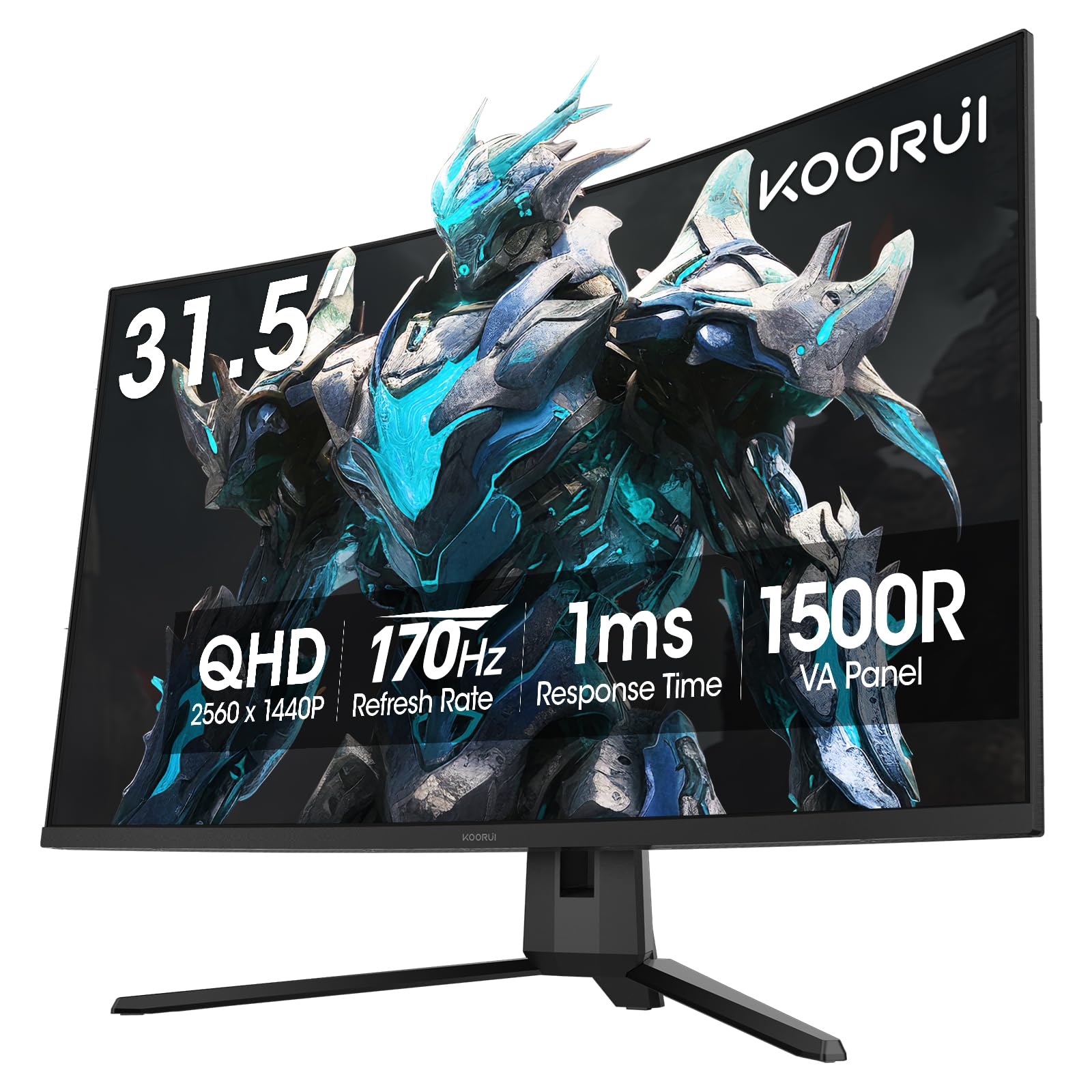
The KOORUI 32-inch curved monitor delivers QHD resolution on a 1500R VA panel with a 170Hz refresh rate and 1ms response time, all at an entry-level price. The 3000:1 native contrast ratio and HDR10 support produce richer blacks and more vibrant colors than budget IPS alternatives, and Adaptive Sync compatibility reduces tearing across a wide range of frame rates.
The display covers 90% DCI-P3 with 16.7 million colors, providing punchy visuals for both gaming and media consumption. Connectivity includes dual HDMI 2.0 and a DisplayPort 1.2, covering standard PC and console setups. The ergonomic stand offers tilt adjustment, and VESA 100x100mm compatibility allows for wall or arm mounting.
Some units lack VESA mounting holes, forcing use of the included stand. The on-screen menu button is fiddly, and there are no built-in speakers. For the lowest barrier to entry into curved QHD gaming, the KOORUI delivers a respectable experience.
Why it’s great
- 32-inch 1500R curved VA with excellent contrast ratio.
- 170Hz refresh rate at QHD for smooth gaming.
- 90% DCI-P3 color gamut for vivid visuals.
Good to know
- Some units may not have VESA mounting holes.
- No built-in speakers; menu control button is awkward.
FAQ
Can my GPU handle QHD gaming at 144Hz or above?
Is HDMI or DisplayPort better for a 1440p gaming monitor?
Final Thoughts: The Verdict
For most users, the gaming monitor under $400 winner is the ASUS TUF Gaming VG27AQM5A because its 300Hz refresh rate and 0.3ms response time at QHD deliver the smoothest competitive gaming experience in this price class. If you want superior HDR visuals with Mini-LED local dimming, grab the KTC M27T6S. And for an immersive ultrawide field of view at 240Hz, nothing beats the Amzfast AMZG34C8 Pro.