
Choosing a gaming monitor is no longer just about high refresh rates. The modern market demands a delicate balance between resolution, panel technology, color accuracy, and motion clarity to match both competitive shooters and immersive single-player worlds.
I’m Mohammad Maruf — the founder and writer behind Drink4Good. Over the past several weeks, I’ve analyzed screen specifications, panel types, connectivity standards, and real-world feedback across dozens of models to build a detailed guide for serious gamers.
After digging through the specs and user experiences, I’ve curated a definitive list of the best gaming monitors that deliver the best combination of visual fidelity, speed, and build quality at this moment.
How To Choose The Best Gaming Monitors
Picking the right monitor starts with understanding your primary games, your GPU capability, and your room’s lighting. The wrong panel type or refresh rate can bottleneck your entire system.
Resolution and Panel Type
QHD (1440p) remains the sweet spot for competitive and immersive gaming, offering sharpness without the GPU-taxing demands of 4K. For the deepest blacks and fastest response, OLED panels are now the gold standard, though they demand careful brightness management. IPS panels deliver excellent color accuracy and wide viewing angles, while VA panels offer superior contrast at a lower price point.
Refresh Rate and Adaptive Sync
A 144Hz baseline is essential for smooth motion, with 240Hz and 360Hz becoming standard in high-end competitive monitors. Adaptive sync technology — either AMD FreeSync or NVIDIA G-Sync — is non-negotiable for eliminating screen tearing and stutter during fast-paced action.
Connectivity and HDR
HDMI 2.1 is crucial for pushing 4K at high refresh rates, especially with console gaming, while DisplayPort 1.4 remains the standard for PC connections. For HDR, look for VESA DisplayHDR 400 certification at minimum, with True Black 400 being the OLED category’s benchmark for deep contrast.
Quick Comparison
On smaller screens, swipe sideways to see the full table.
| Model | Category | Best For | Key Spec | Amazon |
|---|---|---|---|---|
| LG 27G810A-B | Premium IPS | Dual-mode versatility | 4K 180Hz / FHD 360Hz | Amazon |
| LG 27GS93QE | Premium OLED | Competitive 240Hz OLED | QHD 240Hz, 0.03ms | Amazon |
| ASUS ROG Strix XG27AQDMG | Premium OLED | Glossy OLED clarity | QHD 240Hz, 0.03ms | Amazon |
| Acer Predator X27U | Premium QD-OLED | Budget-minded OLED | WQHD 240Hz, 0.03ms | Amazon |
| ASUS TUF Gaming VG27UQEL5A | Mid-Range IPS | Budget 4K entry | 4K 80Hz / FHD 310Hz | Amazon |
| Acer Nitro VG270K | Mid-Range IPS | 4K value with 160Hz | 4K 160Hz / FHD 320Hz | Amazon |
| Dell S2725QS | Mid-Range IPS | Productivity + light gaming | 4K 120Hz, 1500:1 contrast | Amazon |
| Samsung Odyssey G5 | Budget VA | QHD budget gaming | QHD 180Hz, 3000:1 contrast | Amazon |
| Alienware AW2725DM | Budget IPS | Entry-level QHD IPS | QHD 180Hz, 95% DCI-P3 | Amazon |
In‑Depth Reviews
1. LG 27G810A-B

The LG 27G810A-B nails the perfect balance between resolution and speed. Its 27-inch 4K IPS panel delivers exceptional clarity at 180Hz, and with the press of a hotkey, it drops to Full HD at 360Hz for ultra-responsive competitive gaming. The 1ms GtG response time keeps motion crisp, and VESA DisplayHDR 400 certification brings vibrant highlights to HDR content.
AMD FreeSync Premium and G-Sync Compatible certification ensure smooth, tear-free gameplay across both PC and console. The adjustable stand offers height, tilt, swivel, and pivot, making it easy to dial in the perfect ergonomic angle. The included HDMI 2.1 cable is a nice touch for next-gen console players.
Some users have reported a slight fan noise under load, but the trade-off for the dual-mode flexibility and image quality is well worth it. It’s a versatile powerhouse that handles everything from story-driven adventures to esports tournaments.
Why it’s great
- Dual Mode (4K 180Hz / FHD 360Hz) offers unparalleled flexibility
- Excellent IPS color accuracy with 95% DCI-P3 coverage
- Sturdy, fully adjustable stand with VESA compatibility
Good to know
- Noticeable fan noise in quiet environments
- Height adjustment range could be taller for some setups
2. LG 27GS93QE

The LG 27GS93QE brings true OLED magic to the 27-inch QHD form factor. With a 0.03ms response time and 240Hz refresh rate, motion clarity is practically flawless. The WOLED panel delivers VESA DisplayHDR True Black 400 certification, meaning absolute blacks and stunning contrast that IPS panels simply cannot match.
Anti-glare coating minimizes reflections without the purple-tinted blacks found on some QD-OLED panels, making it an excellent choice for brighter rooms. AMD FreeSync Premium Pro and G-Sync Compatible certification ensure perfectly synced frames with modern GPUs.
Out-of-the-box color accuracy is impressive, with 98.5% DCI-P3 coverage. The build quality feels premium, and the included remote is a welcome convenience. Just be prepared for a slightly lower maximum brightness compared to high-end IPS panels — it thrives in darker gaming environments.
Why it’s great
- Infinite contrast with VESA DisplayHDR True Black 400
- Near-instantaneous 0.03ms response for competitive edge
- Anti-glare coating handles bright rooms better than QD-OLED
Good to know
- Lower peak brightness compared to high-end IPS monitors
- Requires periodic pixel cleaning to prevent burn-in
3. ASUS ROG Strix XG27AQDMG

The ASUS ROG Strix XG27AQDMG is a visual marvel, thanks to its glossy WOLED panel. Colors pop with a vibrancy that matte panels can’t replicate, delivering exceptionally deep blacks and punchy highlights. The 240Hz refresh rate and 0.03ms response time make it a beast for fast-paced shooters.
ASUS equipped this monitor with a custom heatsink and advanced airflow design to significantly reduce the risk of burn-in, along with exclusive Anti-flicker technology that minimizes flicker during refresh rate fluctuations. The optional uniform brightness mode is perfect for competitive gaming where consistent luminance is key.
The 3-year warranty covering burn-in provides serious peace of mind. Some users note that the text clarity isn’t as sharp as a standard IPS panel, but for gaming and media consumption, it’s hard to beat. You’ll need a proper HDMI 2.1 cable to unlock its full potential.
Why it’s great
- Glossy WOLED delivers unmatched color vibrancy and contrast
- Custom heatsink and OLED Care for burn-in protection
- 3-year warranty with burn-in coverage included
Good to know
- Text clarity is weaker than IPS for productivity work
- No built-in speakers
4. Acer Predator X27U

The Acer Predator X27U brings QD-OLED to a more accessible price point without cutting corners on core performance. The 26.5-inch WQHD panel offers true 10-bit color with 99% DCI-P3 coverage and a 0.03ms response time, delivering cinematic contrast and rich saturation that rivals much more expensive displays.
AMD FreeSync Premium ensures smooth, tear-free gameplay, and the 240Hz refresh rate is ideal for competitive gaming. The ZeroFrame design gives it a modern look and maximizes screen real estate. The stand is fully adjustable, supporting tilt, height, pivot, and swivel.
Build quality is plastic, but it feels solid. Some users find the menu system overly complex, and peak brightness is noticeably lower than traditional IPS panels, so it performs best in a dimmer room. The image retention-refresh feature is a proactive OLED care tool.
Why it’s great
- QD-OLED contrast and color at a compelling price
- Fully adjustable stand with excellent ergonomics
- True 10-bit color with 99% DCI-P3 coverage
Good to know
- Peak brightness is lower than competitive IPS panels
- Menu navigation is clunky and unintuitive
5. ASUS TUF Gaming VG27UQEL5A
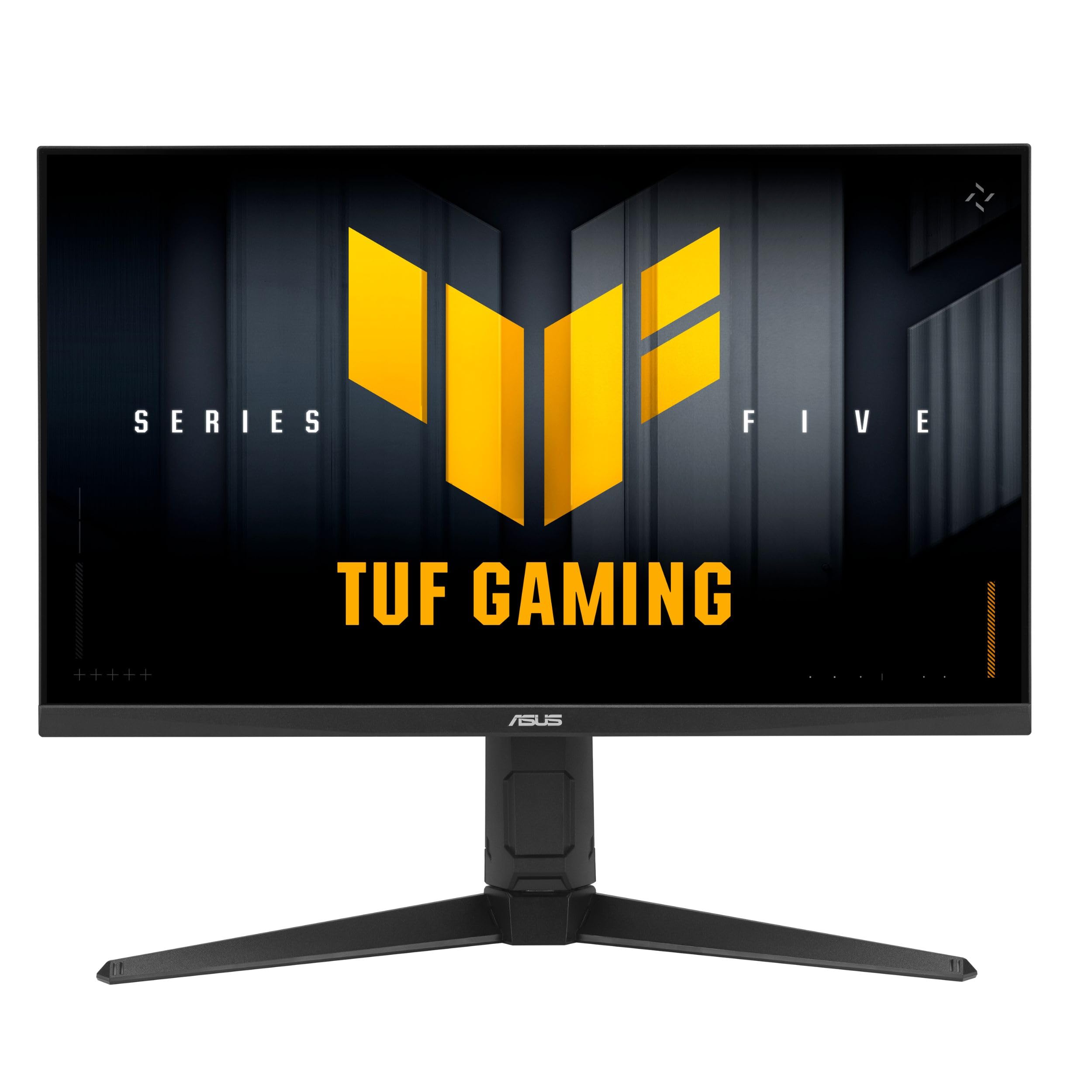
The ASUS TUF Gaming VG27UQEL5A is a clever dual-mode monitor that gives you the best of both worlds. At 4K, it runs up to 80Hz for visually rich, slower-paced titles, but flips to Full HD at 310Hz for competitive shooters. The 0.3ms GtG response time is among the fastest in its class, reducing ghosting effectively.
NVIDIA G-Sync Compatible and AMD FreeSync support ensure smooth frame delivery, while ASUS Extreme Low Motion Blur (ELMB) technology further sharpens motion clarity. The built-in speakers are a convenience, though they lack bass and volume. DisplayWidget Center software makes adjusting settings via mouse easy.
The 120% sRGB color gamut provides punchy colors, though the VA-like contrast on its LCD panel is decent but not OLED-grade. The 3-year warranty is solid reassurance for a budget-friendly 4K entry point.
Why it’s great
- Dual-mode flexibility for different game genres
- Ultra-fast 0.3ms GtG response time
- DisplayWidget Center for easy settings adjustments
Good to know
- Built-in speakers are low quality
- Menu buttons on the back edge are hard to reach in dual monitor setups
6. Acer Nitro VG270K

The Acer Nitro VG270K delivers an impressive 4K 160Hz experience with the ability to drop to FHD 320Hz through DFR technology. The IPS panel provides wide viewing angles and vibrant colors, covering 90% of the DCI-P3 gamut for HDR10 content, making games look richly detailed.
AMD FreeSync Premium eliminates screen tearing, while the 0.5ms (GtG) response time keeps fast motion clear. The ZeroFrame design is excellent for multi-monitor setups, offering a near-seamless viewing experience. The stand offers tilt adjustment for basic ergonomic needs.
Some users have reported HDMI port failures over time, so ensure your warranty is registered. The built-in speakers are weak, but that’s typical for monitors in this price bracket. For the raw pixel count and refresh rate combination, it’s a strong contender in the mid-range.
Why it’s great
- High 4K 160Hz with DFR to 320Hz FHD
- Excellent wide color gamut (DCI-P3 90%)
- Near bezel-less ZeroFrame design for multi-monitor
Good to know
- Some reports of HDMI port reliability issues
- Stand only offers tilt adjustment, no height or swivel
7. Dell S2725QS

The Dell S2725QS is built for those who game but also need a monitor for professional productivity. The 27-inch 4K IPS panel with 1500:1 contrast ratio offers excellent detail and depth, while the 99% sRGB coverage ensures accurate color for editing work. The 120Hz refresh rate is a notable step up from standard 60Hz productivity monitors.
AMD FreeSync Premium support provides a smooth, tear-free experience across a wide range of games. The built-in speakers have been re-engineered for better output power and frequency response, offering more usable sound than typical monitor speakers. ComfortView Plus reduces blue light emissions to ≤35% without washing out colors.
The ash white finish and ultra-thin bezels give it a refined, minimalist look. Some users note slight ghosting in fast-paced games, so it’s better suited for RPGs and strategy titles than competitive FPS. The 0.03ms response time applies to its motion blur reduction feature, not traditional response time.
Why it’s great
- Excellent 1500:1 contrast ratio for deeper blacks
- Improved built-in speakers for a monitor
- ComfortView Plus with ≤35% blue light without color shift
Good to know
- Noticeable ghosting in fast-paced competitive titles
- Some units have a persistent yellow tint
8. Samsung Odyssey G5 (G51F)
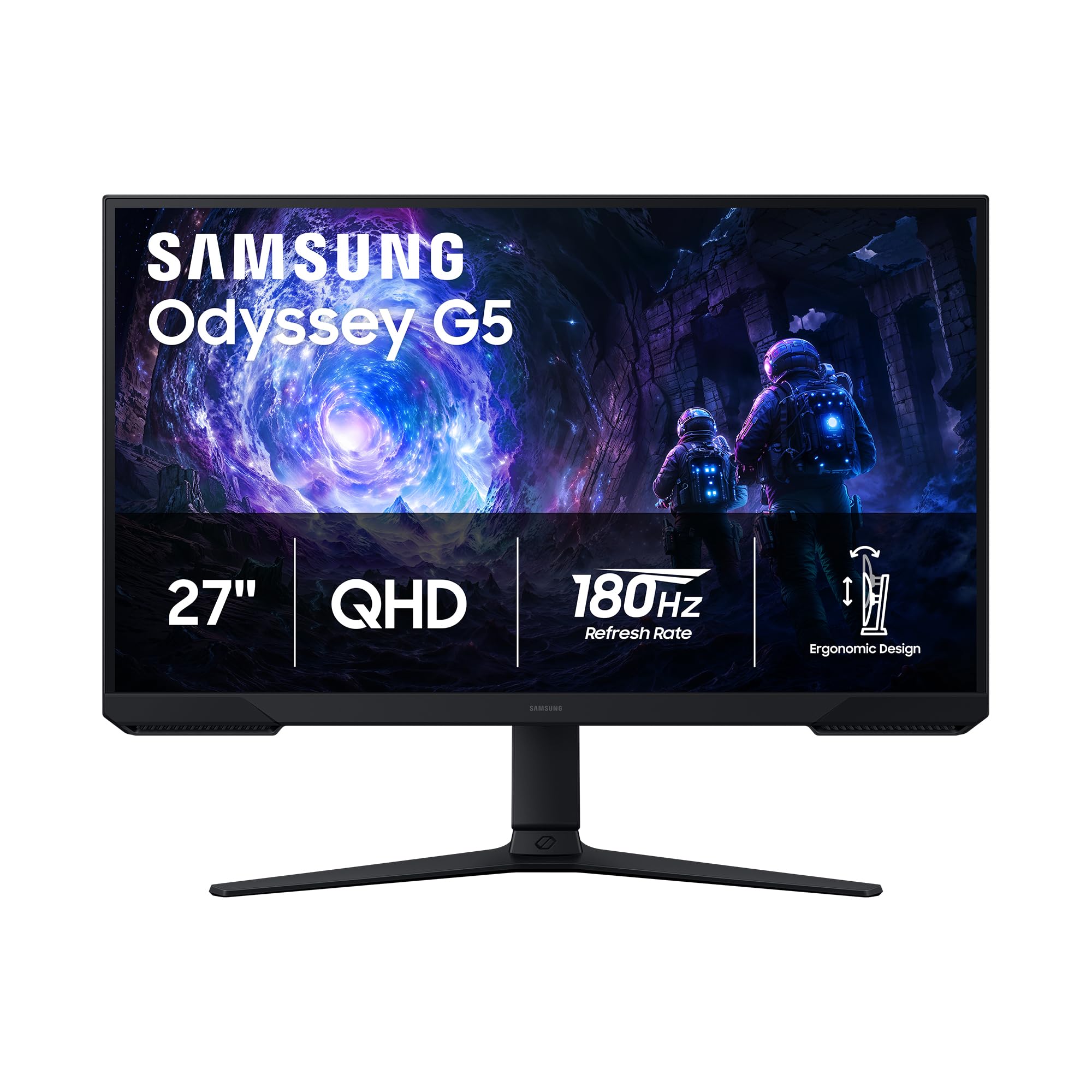
The Samsung Odyssey G5 is a solid entry point into QHD gaming. Its 27-inch VA panel delivers a high 3000:1 native contrast ratio, providing noticeably deeper blacks than typical IPS monitors at this price. The 180Hz refresh rate and 1ms response time offer smooth gameplay for most competitive and single-player titles.
AMD FreeSync support keeps screen tearing at bay, and HDR10 support adds some depth to compatible content. The ergonomic stand includes tilt, pivot, and height adjustment, which is rare at this price point. Black Equalizer is a useful gaming feature that brightens dark areas without overexposing the rest of the scene.
Keep in mind that VA panels can exhibit some black smearing in very dark transitions, and the monitor lacks built-in speakers. The packaging condition can be hit-or-miss, so check the box upon delivery. For the price, it’s a fantastic way to get into 1440p gaming.
Why it’s great
- Excellent native contrast ratio (3000:1) for deep blacks
- Fully ergonomic stand with height, tilt, and pivot
- 180Hz refresh rate is great for its price tier
Good to know
- VA panel may exhibit black smearing in dark scenes
- No built-in speakers
9. Alienware AW2725DM

The Alienware AW2725DM brings a premium brand feel to the mid-range. Its 27-inch QHD IPS panel offers sharp visuals with 95% DCI-P3 coverage and VESA DisplayHDR 400 certification, making colors pop and highlights shine. The 180Hz refresh rate and 1ms GtG response time provide a fluid, responsive gaming experience.
NVIDIA G-Sync Compatible and AMD FreeSync support ensure smooth frame delivery, while the matte screen finish reduces glare in bright environments. The stand is durable and allows for tilt, swivel, pivot, and height adjustments, giving you full ergonomic control. The design is sleek and iconic, fitting a premium gaming setup well.
One caveat is the lack of USB-C connectivity, which some modern setups rely on. Also, to achieve the full 180Hz refresh rate, you must use a DisplayPort cable, as HDMI is capped at 144Hz. No built-in speakers means you’ll need external audio. It’s a solid, no-frills performer.
Why it’s great
- Excellent color accuracy with 95% DCI-P3 coverage
- Fully ergonomic, durable stand
- VESA DisplayHDR 400 certification for better highlights
Good to know
- No USB-C port for modern peripherals
- HDMI limited to 144Hz; DisplayPort required for full 180Hz
FAQ
What is the difference between G-Sync and FreeSync?
Why do some 27-inch monitors look blurry at 1080p?
How long do OLED gaming monitors last before burn-in?
Is HDMI 2.1 required for 4K gaming?
Final Thoughts: The Verdict
For most users, the gaming monitors winner is the LG 27G810A-B because it offers unmatched versatility with its 4K and FHD dual-mode, along with excellent IPS image quality at a price that undercuts many rivals. If you want the best competitive edge and perfect blacks, grab the LG 27GS93QE for its incredible WOLED performance. And for a pure visual feast with vibrant glossy colors, nothing beats the ASUS ROG Strix XG27AQDMG.